 Cool Off

Help and support

ShirtHis from the start. 
HoodieFinish your first cool-off. 
Red jacketAdd the widget to your Lock Screen. 
Blue jacketAdd the widget to your Home Screen.
How to use Cool Off
The home screen
- Huff
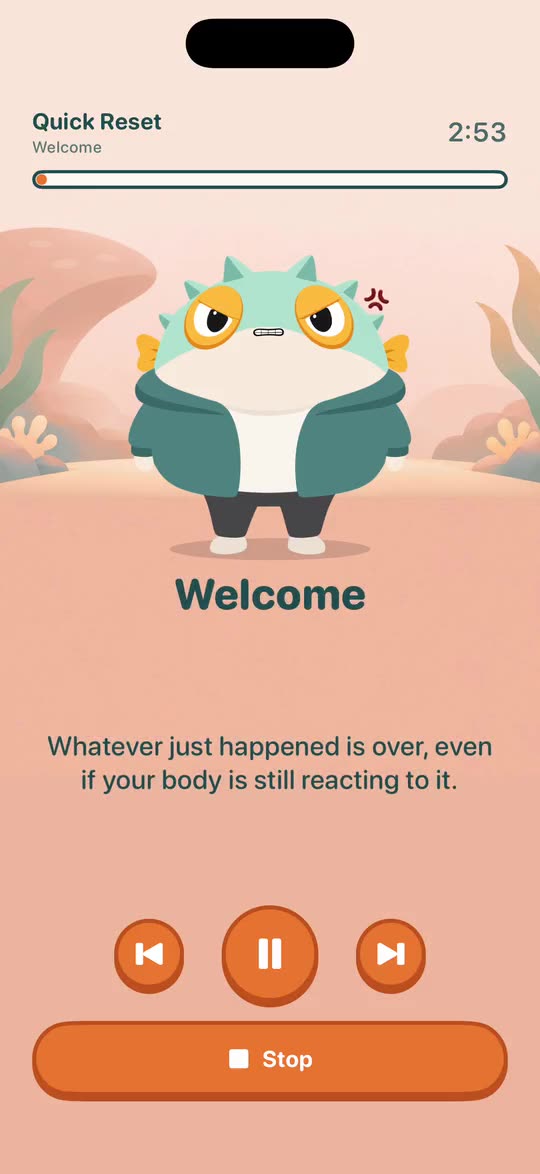
- Your guide. He arrives furious at the start of a cool-off and calms down as you do.
- Cool off
- Starts your default preset. Its name and length are written under the word.
- Driving mode
- A dark screen with big buttons, for a phone mounted in the car.
- The tabs
- Cool off, Presets and Settings.
- The ? button
- Opens this guide in the app.
A cool-off, from start to finish
Tap Cool off. You can also say “Hey Siri, start Cool Off”.
Huff arrives furious. The voice talks you through the first minute.
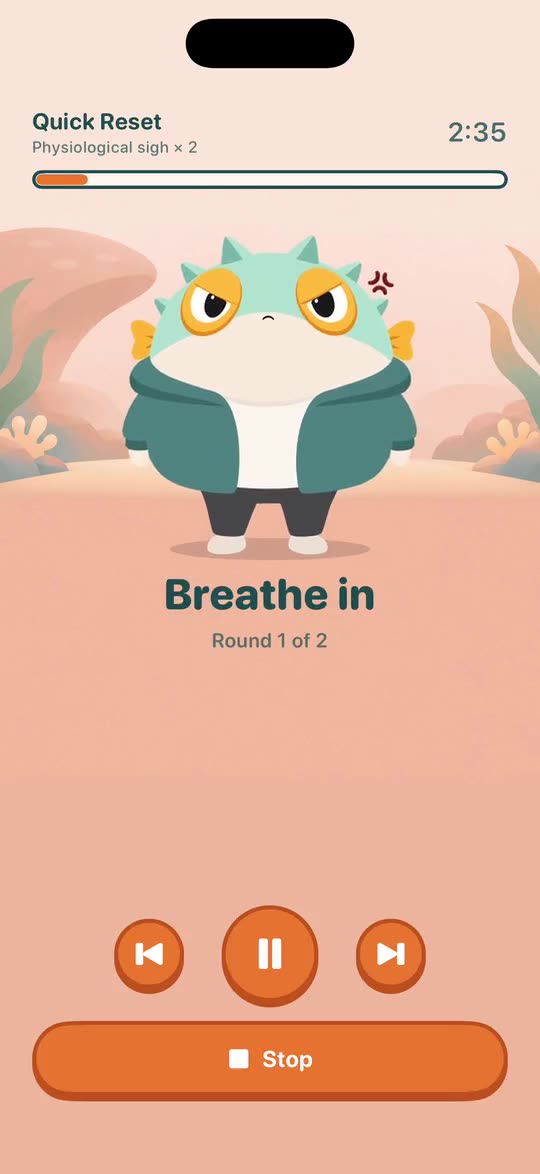
Breathe with him. He swells on the in-breath and settles on the out-breath.
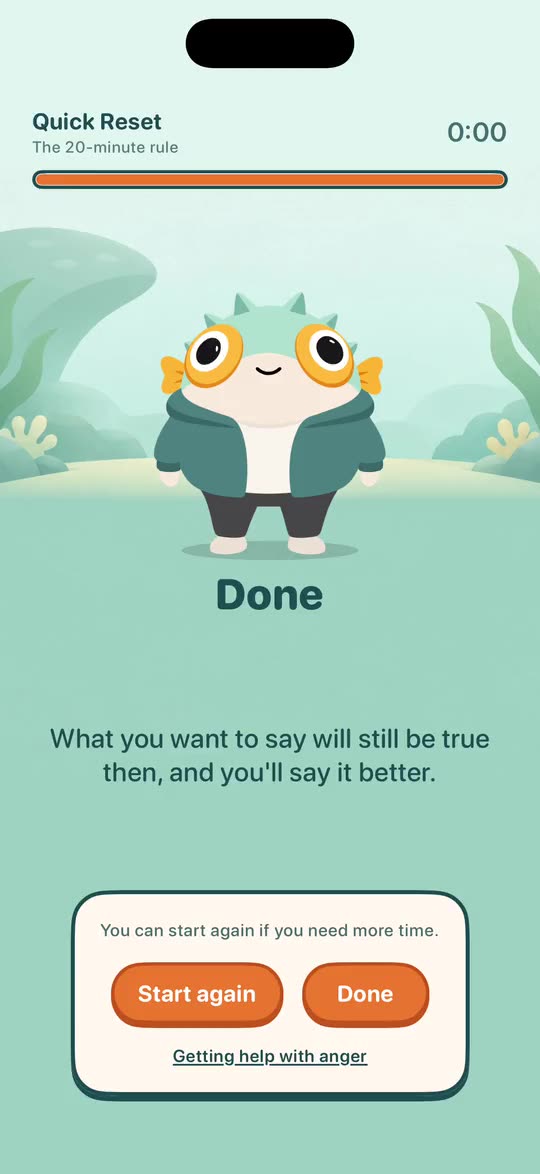
He is calm at the end. Tap Done, or Start again if you need more time.
While a session plays
- Start the step again
- Pause and resume
- Skip the step
- Stop and go home
Siri can do the same with the phone locked: “Hey Siri, pause Cool Off”, “resume Cool Off”, “stop Cool Off”.
In the car
- One big Cool off. The session's Stop lands on the same spot, so your hand finds it without looking.
- The switch turns driving mode off again. Sessions in the car have no breath-holds and nothing to read.
What Huff wears
What he wears on the home screen and in a session. A locked outfit is his once you've done its task; in Settings, tap it to see what that is.